

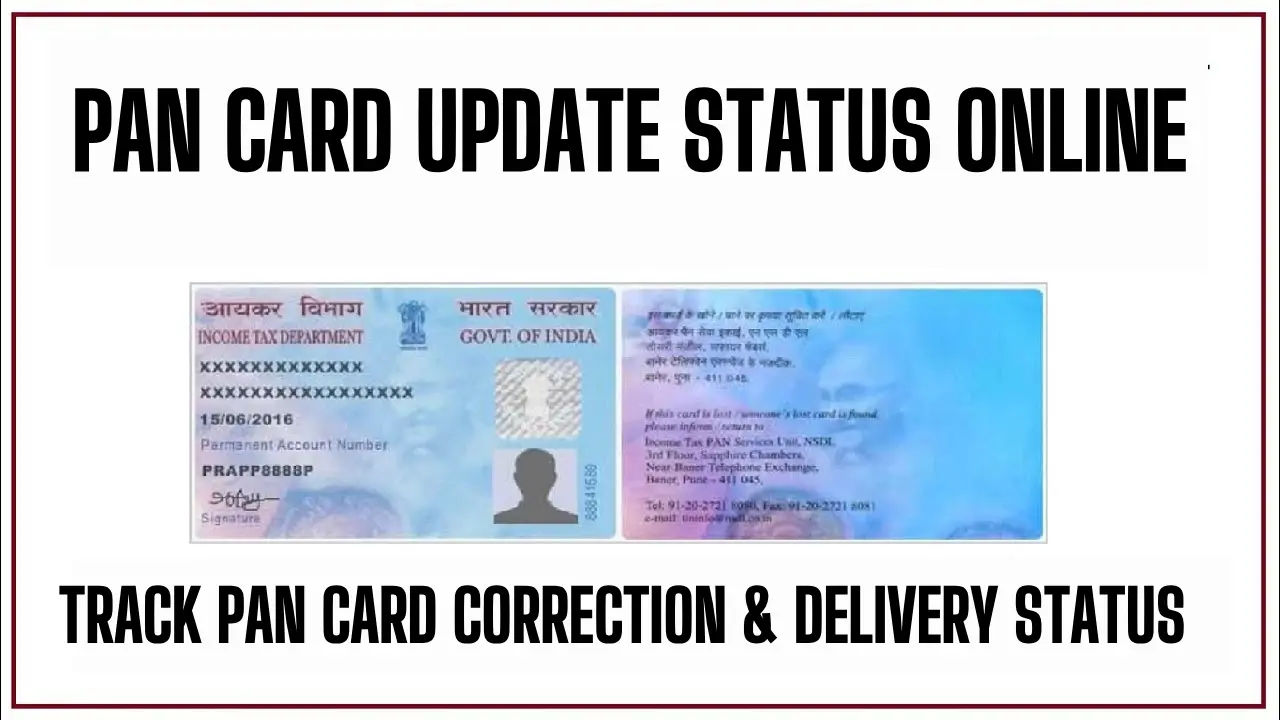
Indian Taxpayers Who Have Applied for a PAN Card Correction, Name Change, Address Update, or Fresh PAN Issuance Can Track Their Application Status in Real Time Through the Protean (NSDL) or UTIITSL Portal Using a 15-Digit Acknowledgement Number With a Separate Speed Post Consignment Tracking Step for Monitoring Physical Card Delivery…
PAN Card Update Status Online
PAN Card Update Status Online tracking works through two separate official portals Protean eGov Technologies (formerly NSDL) at tin.tin.proteantech.in and UTI Infrastructure Technology and Services Limited (UTIITSL) at trackpan.utiitsl.com and the critical rule every applicant must know is this: you must check your status on the same platform where you submitted your application.
Applicants who applied through NSDL/Protean cannot check status on UTIITSL, and vice versa using the wrong portal returns no data and wastes time. The standard processing timeline after a successful PAN correction or new application submission runs approximately 15 working days before the physical card is dispatched to the address provided.
Method 1: Track PAN Status on Protean (NSDL) Portal
This method applies to all applicants who submitted their PAN application or correction request through the NSDL or Protean portal:
- Open your browser and visit: onlineservices.proteantech.in
- Under “Application Type”, select “PAN – New/Change Request” from the dropdown
- Enter your 15-digit Acknowledgement Number in the field provided — this number appears on the acknowledgement slip issued at the time of application submission
- Enter the CAPTCHA code shown on screen
- Click “Submit” your current PAN card status displays immediately
If you do not have your acknowledgement number, Protean also allows status checking by name and date of birth:
- On the same page, choose “Name” instead of “Acknowledgement Number” in the search option
- Enter your full name exactly as on the application form
- Enter your Date of Birth / Date of Incorporation
- Enter the CAPTCHA and click “Submit”
Method 2: Track PAN Status on UTIITSL Portal
This method applies to applicants who submitted through the UTIITSL portal or any UTIITSL-authorised PAN centre:
- Visit: trackpan.utiitsl.com/PANONLINE/#forward
- Enter your Application Coupon Number (from the acknowledgement slip) OR your existing PAN Number if applying for a correction
- Enter your Date of Birth / Date of Incorporation / Date of Agreement as applicable
- Enter the CAPTCHA code
- Click “Submit” — the portal displays your current application stage
What the Status Messages Mean
Both portals use stage-specific status labels here is what each means and what action to take:
| Status Label | Meaning | Action Required |
| Application Under Processing | Documents are under verification at NSDL/UTIITSL | No action — wait for next stage update |
| Under Printing | PAN card is being printed | No action — card will be dispatched shortly |
| Dispatched | Physical card sent via India Speed Post | Note the consignment number and track delivery |
| Your Application is under review | Additional verification needed | Check registered email/mobile for a call or document request |
| Application Rejected | Application not processed due to discrepancy | Re-apply after correcting the identified error |
| e-PAN Sent to Email | Digital PAN dispatched to registered email | Check inbox including spam folder |
Method 3: Track Using Aadhaar Number (Income Tax Portal)
For applicants who linked their Aadhaar during the PAN application, the Income Tax e-Filing portal provides a direct verification route:
- Visit: incometax.gov.in
- Under “Quick Links”, click “Verify Your PAN”
- Enter your PAN number, full name, date of birth, and mobile number
- Click “Continue” and enter the OTP received on your registered mobile
- The portal confirms whether your PAN is active, inactive, or under correction
Note: your mobile number must be registered with Aadhaar for OTP authentication to work in this method.
Method 4: Track PAN Status via SMS
NSDL/Protean applicants can check status without visiting any portal through a direct SMS:
- Open your phone’s SMS app
- Type: NSDLPAN (space) [15-digit Acknowledgement Number]
- Send to: 57575
- Receive an instant SMS reply with your current PAN application status
For UTIITSL applications, the equivalent SMS format is: PTNPAN (space) [15-digit Acknowledgement Number] sent to 57575.
Method 5: Track PAN Status by Phone Call
Both processing agencies maintain dedicated helplines for PAN status queries:
- Protean (NSDL) TIN Call Centre: 08069708080 — follow the IVR prompts and enter your 15-digit acknowledgement number when prompted
- NSDL Alternate Number: 020-27218080
- UTIITSL Customer Care: Reports suggest calling the UTIITSL helpline directly or visiting utiitsl.com for the current helpline number — not publicly confirmed on a single unified page
How to Track Physical PAN Card Delivery via Speed Post
Once the portal status shows “Dispatched”, a consignment number (13-digit alphanumeric code) becomes visible on your status page. Use this number to track the physical card through India Post:
- Visit: indiapost.gov.in
- Click “Track Consignment” on the homepage
- Enter the 13-digit consignment number from the NSDL or UTIITSL status page
- Click “Track Now”
- The India Post portal displays the card’s current location — including dispatch date, in-transit status, delivery attempt, and final delivery confirmation
If the status shows a failed delivery attempt, contact your nearest post office with the consignment number and your address proof to arrange re-delivery or collection.
Common Reasons for PAN Application Delays
Reports suggest the following issues cause the majority of PAN correction and update delays:
- Document mismatch — name spelling in supporting documents differs from the application form
- Blurry or unclear photograph uploaded in the online application
- Incorrect Aadhaar linking — Aadhaar number not matching the demographic data
- Address proof out of date — more than 3 years old or not accepted by the processing agency
- Signatures mismatch — signature on the application form differs from the supporting identity document
Resolving any of the above requires resubmission either online or at the nearest PAN Facilitation Centre.